
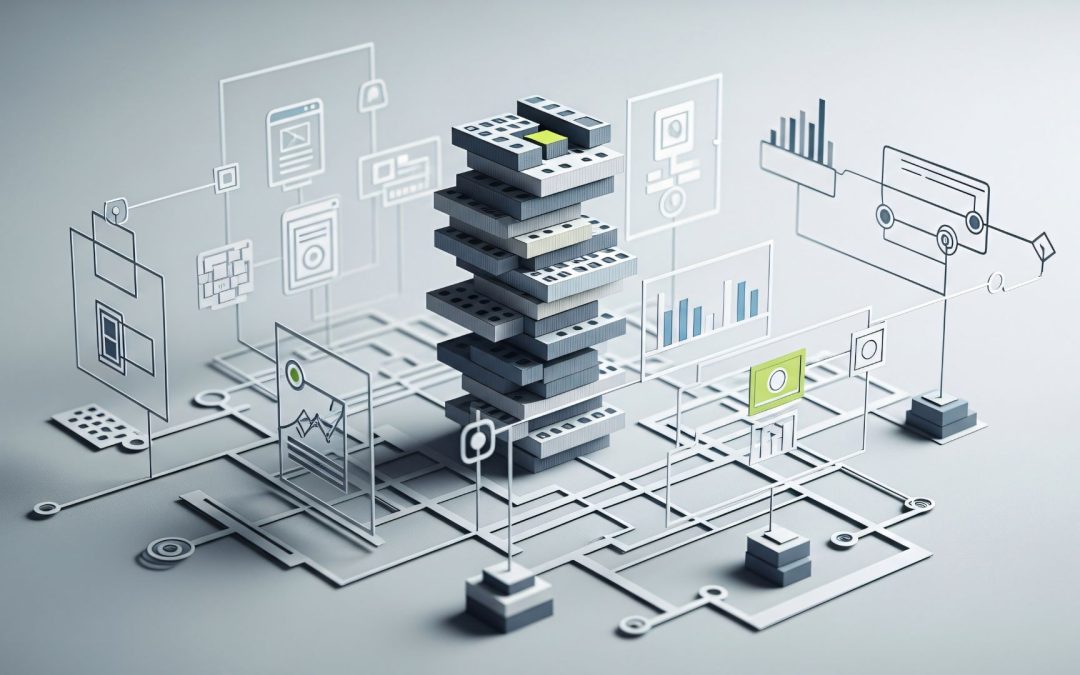
Ever wondered how architects turn ideas into lifelike designs before building? Thanks to 3D architectural visualization and architectural rendering, designers can now see every detail of a project before a single brick is laid. These tools make it easy to explore layouts, test materials, and even walk through spaces virtually, bringing visions to life like never before.
Architecture has come a long way from hand-drawn blueprints to precise digital plans. Today, 3D architectural visualization helps architects, builders, and interior designers plan projects more accurately, spot potential issues early, and create realistic visuals that clients can understand. It’s no longer just about drawings; it’s about experiencing the design before it exists.
In this blog, you’ll see why 3D Visualization is a game-changer for your design process. We’ll cover 5 ways it’s transforming designs, from visualizing ideas before they exist to improving client communication. You’ll also learn how it speeds up your process, reduces errors, and makes presentations more engaging. Plus, we’ll share tips on collaborating better with your team using 3D architectural visualization and architectural rendering to take your projects to the next level.
3D Visualization: A Game-Changer For Your Design Process
3D visualization is changing how modern architecture comes together. Instead of working only with flat drawings, designers, clients, and builders can view projects as realistic digital spaces. This makes ideas easier to understand and discuss from the start. One of the biggest benefits of 3D visualization is that everyone can see the same layout, scale, and details, which helps projects move forward with fewer surprises.
Using this approach also saves time during planning and reviews. Teams can test layouts, lighting, and materials early, which cuts back on rework later. These 3D design advantages support better teamwork and smoother decisions across a project. Overall, this technology is revolutionizing design by making the whole process clearer, faster, and easier for everyone involved.
Way 1: See Your Designs Before They Exist
With modern 3D design software, architects and clients can view a project as a realistic model before any construction begins. Instead of guessing from flat drawings, everyone can explore spaces, room sizes, and layouts in a visual way. This helps people understand how a home, office, or commercial space will actually look and feel in real life.
Through virtual architectural modeling, designers can test interior layouts, lighting, and materials early in the process. You can see how sunlight moves through windows, how furniture fits in a room, or how different finishes change the mood of a space. Spotting these details early helps teams make smarter choices and avoid problems later.
Seeing a design ahead of time also builds confidence for clients and investors. Walkthrough views let people experience the scale and flow of a space before it exists. When decisions are based on what you can see, not guess, approvals become easier, and projects move forward with fewer surprises.
Way 2: Improve Client Communication
Many clients find it hard to understand flat drawings or technical plans. That’s where visuals help. With modern client presentation tools, people can see rooms, walls, and finishes in a clear, realistic way. In fact, 3D architectural visualization helps clients see your design clearly, even if they have no design background at all.
For example, instead of explaining a kitchen layout, you can show it. Clients can view spaces through 3D walkthroughs and quickly say what they like or want changed. This cuts down confusion and avoids back-and-forth revisions later. When people see the design, they respond faster and with more confidence.
Better visuals also build trust. Clients feel involved when they can explore a project before it’s built. They understand lighting, space flow, and materials without long explanations. As a result, conversations become simpler, feedback becomes clearer, and the whole design journey feels smoother for everyone involved.
Way 3: Speed Up The Design Process
3D visualization helps designers try ideas much faster than old drafting methods. Instead of redrawing plans again and again, teams work on one model and see changes right away. This supports faster architectural design, especially when projects have tight timelines and quick approvals are needed.
With tools like AutoCAD, SketchUp, and Revit, designers can adjust layouts, lighting, and materials in real time. If a wall moves or a finish changes, the whole model updates at once. This kind of workflow improves 3D modeling efficiency and keeps projects moving without long waiting periods.
When deadlines are close, speed matters. Designers can test several options in a single session instead of over many days. That saves hours of back-and-forth work and helps teams deliver designs sooner, without slowing down the creative side of the project.
Way 4: Boost Accuracy And Reduce Errors
3D visualization helps teams avoid mistakes before construction starts. With precise architectural modeling, designers can check measurements, proportions, and layouts in a real space instead of guessing from flat drawings. You can see if furniture fits, hallways feel too tight, or ceilings look off, which helps fix small problems early instead of later on site.
It also helps catch structural and lighting issues ahead of time. For example, you can spot if a beam blocks a window or if a room feels too dark once lights are placed. This level of 3D building accuracy makes planning clearer and reduces rework, which saves both time and money across the whole project.
When changes are needed, even during a product redesign, the model updates quickly and keeps everything aligned. Teams do not have to redo multiple drawings for one small change. That means fewer surprises during construction and smoother progress from planning to final build.
Way 5: Create Engaging Presentations
3D visuals turn simple proposals into experiences people remember. With 3D architectural rendering, designers can show projects for marketing, pitches, and client meetings in a realistic way. Instead of guessing from slides, viewers see spaces, lighting, and materials just like they would in real life, which leaves a strong first impression.
These visuals work great for real estate listings, investor decks, and design reviews. Short animations, fly-throughs, and interactive design presentations let people explore rooms and layouts at their own pace. When clients can move through a space on screen, they understand the idea faster and feel more confident about it.
Adding small touches makes presentations even better. Virtual walkthroughs, simple motion, and clickable models keep people interested from start to finish. When a design feels real instead of flat, it stays in the viewer’s mind long after the meeting ends.
How 3D Visualization Helps Your Team Collaborate
3D visualization helps teams work better because everyone sees the same design in one place. Architects, engineers, and contractors use collaborative design software to review layouts, sizes, and details together. This supports real 3D team collaboration since no one has to guess from flat drawings anymore. If a wall shifts or lighting changes, the update appears for all, which reduces confusion, extra calls, and long email threads that slow projects down.
Instead of sending files back and forth, teams talk around the model itself. With 3D scanning, real site details can be added so the design matches the actual space. Contractors check fit, engineers review structure, and designers adjust finishes at the same time. Because everyone works from the same version, issues are spotted early, and projects move forward faster with fewer mistakes.
Tips To Make The Most Of 3D Visualization
There are simple yet powerful ways to improve your results with 3D visualization. Below, you will learn practical ideas that help your designs look better, work faster, and communicate clearly with clients.
- Start Early: Use 3D models from the first concept stage, not at the end. This helps you see space, size, and layout before things get complex. Early modeling saves time and avoids big changes later.
- Lighting Focus: Always test natural and artificial light in your scenes. Good lighting shows how rooms feel at different times of day. It also makes shadows, depth, and mood look more real to viewers.
- Real Materials: Apply textures that match real-world finishes like wood, glass, or stone. This makes the design easier to understand. Clients can picture the space instead of guessing from flat colors.
- Keep Simple: Do not overload models with too many details at once. Clean layouts help people focus on the design idea. Simple scenes are faster to edit and easier to review.
- Interactive Sharing: Share walkthroughs or live models with clients instead of only images. They can explore spaces on their own. This reduces confusion and speeds up feedback during meetings.
- Regular Updates: Update your model whenever the design changes. Everyone stays on the same version. This avoids mix-ups and cuts down long email discussions about revisions.
- Test Often: Try different layouts, colors, and lighting before finalizing anything. These 3D rendering tips follow real architectural visualization best practices and help you spot problems early.
Final Thoughts On 3D Visualization
3D visualization has changed how designers think, plan, and present their ideas. It helps you see designs before they exist, improve client communication, speed up the design process, boost accuracy, and create engaging presentations that truly connect with people. From testing ideas faster to avoiding layout mistakes and showing projects in a more realistic way, it makes the whole workflow smoother and smarter. When everything is clearer from the start, projects move with less stress and better results. If you want more confidence in your designs and happier clients, it’s time to try 3D visualization on your next project.
We are X-PRO CAD, a team of designers, engineers, and problem-solvers who help bring your ideas to life with thoughtful 3D design, detailed CAD drafting, and practical engineering support. From early concept sketches to finished prototypes, we work closely with you to make sure your vision becomes something real and reliable. If you have questions or want to start a project, you can reach us by email at project.inquiries@x-professionals.com or by phone at (571) 583-3710. We’re always happy to talk through your needs and help you find the right design path. If you want to bring your designs to life, X-PRO CAD can help. Contact us today to see your ideas in 3D!


 SR
SR  EN
EN
Скорашњи коментари